
How to add an MCP server to Claude Code
27 October 2026 · mcp · claude code · integrations
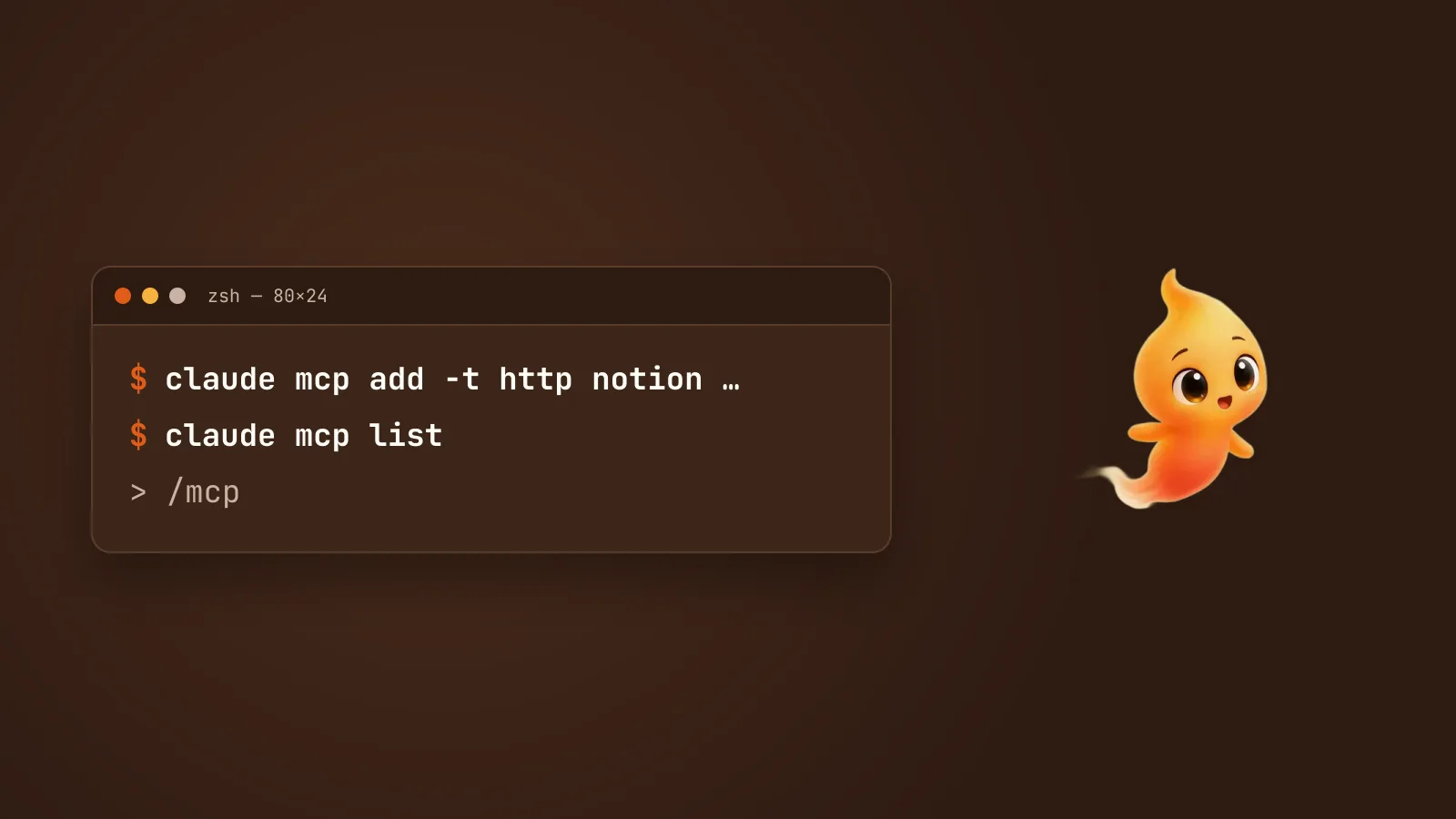
An MCP server is how Claude Code reaches something outside your repository: your GitHub issues, a Notion workspace, a database, Sentry. If you want the why first, MCP servers, explained for people who just want it to work covers what they are and the security side. This post is the how: one command, three choices to make, and the checks that tell you it worked.
The one command
Everything starts with claude mcp add, run in your terminal, not inside a
Claude Code session. Its shape depends on where the server runs.
A remote server, one that lives at a URL. This is the common case now, and it uses the HTTP transport:
claude mcp add --transport http notion https://mcp.notion.com/mcpA local server, a program on your Mac that Claude Code starts for you. This is the stdio transport, and the default if you don’t say otherwise:
claude mcp add --transport stdio airtable \
  --env AIRTABLE_API_KEY=YOUR_KEY \
  -- npx -y airtable-mcp-server
The pieces, in order:
--transport(or-t):httpfor a URL,stdiofor a local command.ssestill exists, but it’s deprecated. Usehttpeven for older servers. Recent Claude Code tries HTTP first and falls back to SSE by itself.- the name (
notion,airtable): yours to pick. Letters, numbers, hyphens and underscores only. It’s how you’ll refer to the server later. - the URL, for a remote server, or everything after
--, for a local one.
The two things that trip people up
The -- matters. Everything after it is handed to the server untouched.
Everything before it is for Claude Code. Without it, Claude Code tries to
read the server’s own flags as its options. So
claude mcp add myserver -- python server.py --port 8080 runs
python server.py --port 8080, exactly as written.
--env swallows the name if you put the name right after it. --env
takes as many KEY=value pairs as you give it, so in
claude mcp add --env API_KEY=x myserver -- … it reads myserver as another
pair and rejects it. Put another option in between, such as
--transport stdio, or put the name before --env.
Remote servers that need a key take a header instead:
claude mcp add --transport http secure-api https://api.example.com/mcp \
  --header "Authorization: Bearer your-token"
Most well-known remote servers don’t need that. They use a browser sign-in instead, covered below.
Pick a scope
Every server is saved at one of three scopes, chosen with --scope (or
-s):
| Scope | Who gets it | Where it’s saved | Use it for |
|---|---|---|---|
local (the default) |
Only you, only this project | ~/.claude.json, under this project’s path |
Trying a server out, or anything with your personal credentials |
project |
Everyone who clones the repo | .mcp.json in the project root, committed |
A server the whole team should have |
user |
Only you, every project | ~/.claude.json |
Tools you want everywhere, like your own GitHub or Notion |
claude mcp add --transport http notion --scope user https://mcp.notion.com/mcpTwo things to know about scopes:
- If the same name exists at more than one scope, the closest wins:
local beats project, and project beats user. The whole entry is taken from
that one place. Fields aren’t merged across scopes.
claude mcp listwarns you when names collide. - Project servers ask first. The first time you open a project whose
.mcp.jsondefines servers, Claude Code asks you to approve them. Until you do, they show as Pending approval. A repo you just cloned can’t approve its own servers, which is the point.
Never put a secret in .mcp.json. It’s committed. Reference an
environment variable instead, and each person supplies their own:
{
  "mcpServers": {
    "api-server": {
      "type": "http",
      "url": "${API_BASE_URL:-https://api.example.com}/mcp",
      "headers": { "Authorization": "Bearer ${API_KEY}" }
    }
  }
}
${VAR} expands the variable, and ${VAR:-default} falls back to a default
if it isn’t set.
Sign in with /mcp
Many remote servers, Notion, Sentry and Linear among them, use OAuth. Adding them is only half the job. The other half happens inside Claude Code:
- Start
claudein the project. - Run
/mcp. The server shows as needing authentication. - Choose it and follow the sign-in in your browser.
Claude Code stores the token securely and refreshes it for you. On a Mac, pre-configured client secrets go into your Keychain, not your config. If the browser doesn’t open, copy the URL it shows. If the redirect fails, paste the full callback URL back into the prompt.
You can also sign in from the shell with claude mcp login <name>. One
limit: non-interactive runs (claude -p) can’t sign in. Do it
interactively once, and later runs reuse the token.
Check it worked
claude mcp add saves the server without testing it. A wrong token or a
typo in the URL is only discovered when you look. So look:
claude mcp listEach server gets a status:
| Status | Means | Do this |
|---|---|---|
✔ Connected |
Working | Nothing |
! Needs authentication |
OAuth not done yet | /mcp in a session, or claude mcp login <name> |
⏸ Pending approval |
A project server you haven’t approved | Start claude in the project and approve it |
✘ Failed to connect |
It didn’t answer, or refused | Read the error code it shows next to it |
⊘ Disabled for this project |
You turned it off in /mcp |
Turn it back on in /mcp |
For one server in detail, including the reason on an Issue: line:
claude mcp get notionInside a session, /mcp shows the same picture plus how many tools each
server offers. It also has Reconnect, Re-authenticate and Clear
authentication for when a server goes stale.
Other ways in
- From the Claude desktop app:
claude mcp add-from-claude-desktopimports servers you’ve already set up there. It’s an interactive picker, and it works on macOS and WSL only. - From a JSON snippet: many server READMEs give a config block.
claude mcp add-json <name> '<json>'takes it as is. Pass the server’s own object, not themcpServerswrapper around it.
Removing one
claude mcp remove notionFor a remote server, that also deletes the sign-in token Claude Code stored
for it. If the name exists at more than one scope, say which:
claude mcp remove notion --scope user.
Two habits worth having
Add servers you trust, and give them the least access you can. A server can do whatever its credentials allow, and any server that reads content from outside can carry instructions that aren’t yours. For a database, that means connecting with a read-only user. The security part of our MCP explainer goes into this properly.
Big results get trimmed. Claude Code warns when a tool returns more than
10,000 tokens and caps it at 25,000 by default. If a server legitimately
returns large results, raise it for a session with
MAX_MCP_OUTPUT_TOKENS=50000 claude. If a local server is slow to start,
MCP_TIMEOUT=10000 claude gives it ten seconds.
Where Minnie fits
Minnie, the desktop pet we make that runs Claude Code for you,
has its own Integrations screen for the common services, so you can
connect a tool by signing in rather than typing a command. Then you just
ask, out loud, and she asks before the agent uses it. The servers you add
with claude mcp add are still yours either way. Claude Code reads the same
configuration however it’s started.