
Claude Code, Gemini CLI or Codex: one desktop pet for all
2 October 2026 · updated 7 October 2026 · claude code · gemini cli · codex
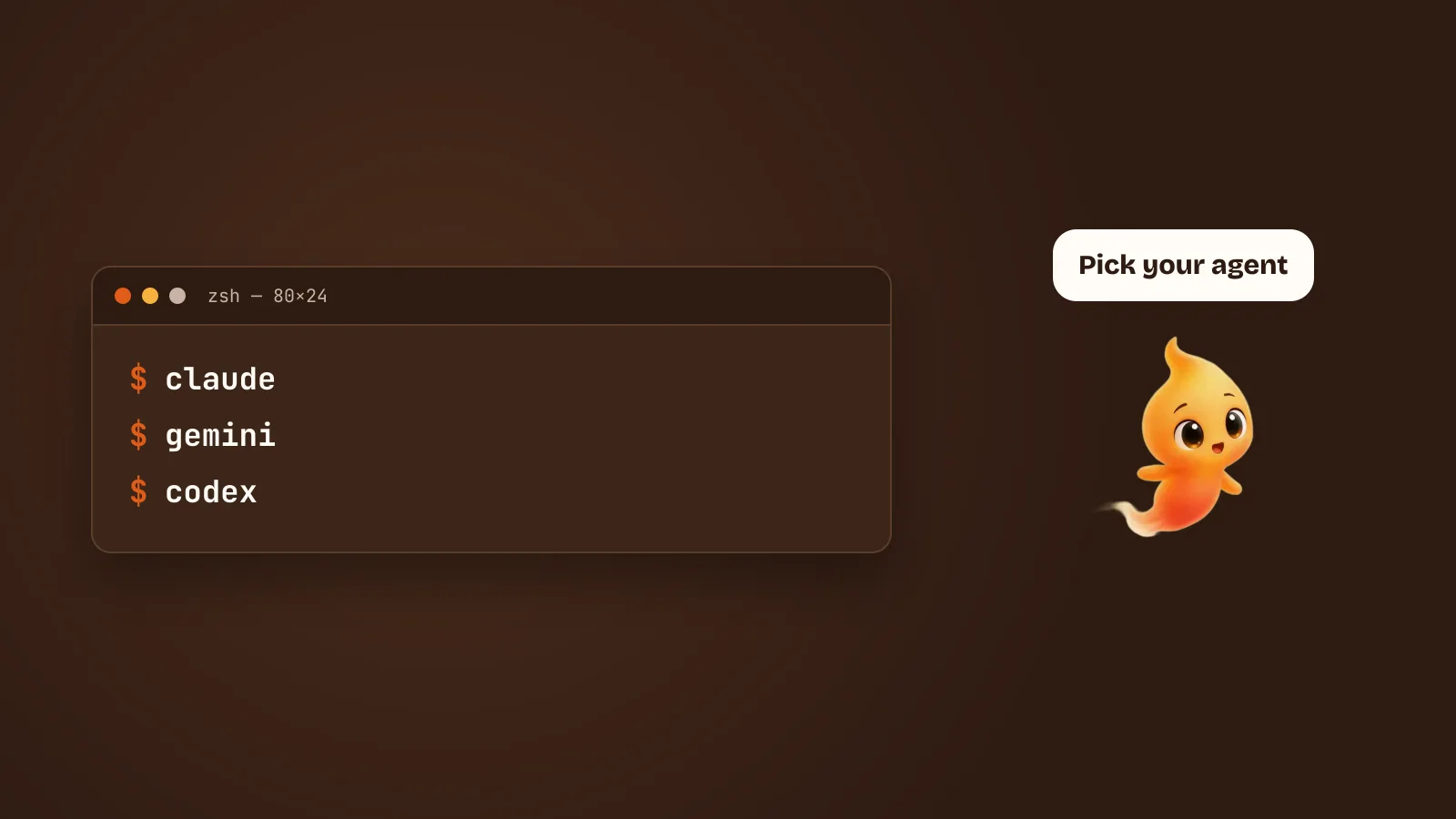
Most developers who use a coding agent have a favourite, and a lot of them switch between two or three depending on the task. A desktop companion that only works with one of them would be a strange thing to build.
So Minnie is agent-agnostic. She adds a face, a voice and a consent layer, and the agent underneath does the reasoning. This post covers which agents work today and what changes between them.
If you are still deciding which agent to use at all, that is a different question and it has its own post: Claude Code vs Gemini CLI vs Codex on a Mac.
How it works, whichever agent you pick
Minnie doesn’t contain an AI model. She drives the agent CLI that is already installed on your Mac:
- You install the agent and log in once, so it works in your terminal.
- Minnie runs it on your behalf when you talk to her.
- The agent keeps its own login and its own billing.
Because of step 3, there is no second AI bill. Whatever you already pay your agent’s provider is the whole cost. The reasoning behind that is in Why Minnie is free.
The important consequence of step 2 is that the agent behaves exactly as it does
in your terminal. Same working directory, same config, same CLAUDE.md or
equivalent, same MCP servers you set up there, same model. Minnie is not
reimplementing anything; she is a front end. If a task works in your terminal and
not under Minnie, that is a bug on our side, not a difference in capability.
What is the same across every agent
Whichever one you point her at, you get:
- Voice input and the wake word. Say her name, say what you want.
- Her live states — idle, listening, working — so you can see from across the room whether anything is happening.
- The MCP connections you set up in Minnie.
- Typing, when speech is the wrong tool for the request.
What differs: consent
This is the only meaningful difference, and it is worth understanding rather than memorising.
Claude Code exposes a permission protocol: before it edits a file or runs a command, it emits a structured request and waits for an answer. That is a thing another program can hook into. Minnie hooks into it, and turns each request into a spoken question with a spoken answer.
The other agents have permission models, but not ones Minnie can intercept in the same way. So they run under their own settings, with whatever approval behaviour you configured in the agent itself — and Minnie shows you what is happening without being able to interrupt it on your behalf.
That is not a judgement about the agents. It is a difference in what they expose.
Claude Code: the full experience
Claude Code is where everything works today:
- Voice requests and the wake word
- Her live states: listening, working, asking
- Out-loud consent: when Claude Code wants to edit a file or run a command, Minnie asks in a speech cloud and waits for your answer
That last one is the reason Claude Code is the recommended starting point. More on it, including how to configure a sensible allowlist so you are only asked about things that matter, in Claude Code permission prompts, without the babysitting.
Gemini CLI and Codex: real tasks, more autonomy
Gemini CLI and Codex both work with Minnie. You can talk to her, and the agent does real work in your project.
The difference is consent. Their permission models aren’t connected to Minnie’s speech cloud yet, so they run more autonomously and she won’t stop to ask before each action the way she does with Claude Code.
If you use them, the practical advice is to set the approval behaviour you are
comfortable with in the agent’s own settings, before you point Minnie at it —
and to be more conservative there than you would be with Claude Code, precisely
because the out-loud backstop isn’t there. Working on a branch, or in a git worktree, costs nothing and makes the whole question less tense.
Antigravity and custom CLIs
Antigravity is supported too, and so is any custom command-line agent: your own wrapper script, an internal tool or something you’re experimenting with.
The bar for “custom agent” is low on purpose. If it runs as a command, takes a prompt, and writes its output to standard out, Minnie can drive it. That covers a shell script wrapping an API, a company-internal agent, a fork of something open source, or an agent that doesn’t exist yet. Custom agents run in the same autonomous mode as Gemini CLI and Codex.
Your tools come with you
Tools you connect in Minnie over MCP, such as GitHub, Notion, Slack or a database, aren’t tied to one agent. Switch agents and your connections stay where they are. See MCP servers, explained for how that works, including the security parts worth knowing before you connect anything that can write.
Switching costs almost nothing
Worth saying explicitly, because people assume otherwise: there is no migration. Your agent’s config lives with your agent. Your MCP connections live with Minnie. Pointing her at a different agent is a setting, and nothing you have set up is thrown away by changing it.
Which means the right way to choose is to try one for a week on real work, not to research it for an afternoon.
Which one should you start with?
- Want her to ask before every action? Claude Code.
- Already living in Gemini CLI or Codex? Use that. You get the voice and the pet, with more autonomy.
- Building your own agent? Point Minnie at its command.
You can change your mind later. Nothing about your setup is locked to one agent.
Never installed any of them? Install Claude Code on a Mac, start to finish is the shortest path to having one working.