
Install Claude Code on a Mac, start to finish
7 October 2026 · updated 14 October 2026 · claude code · macos · install
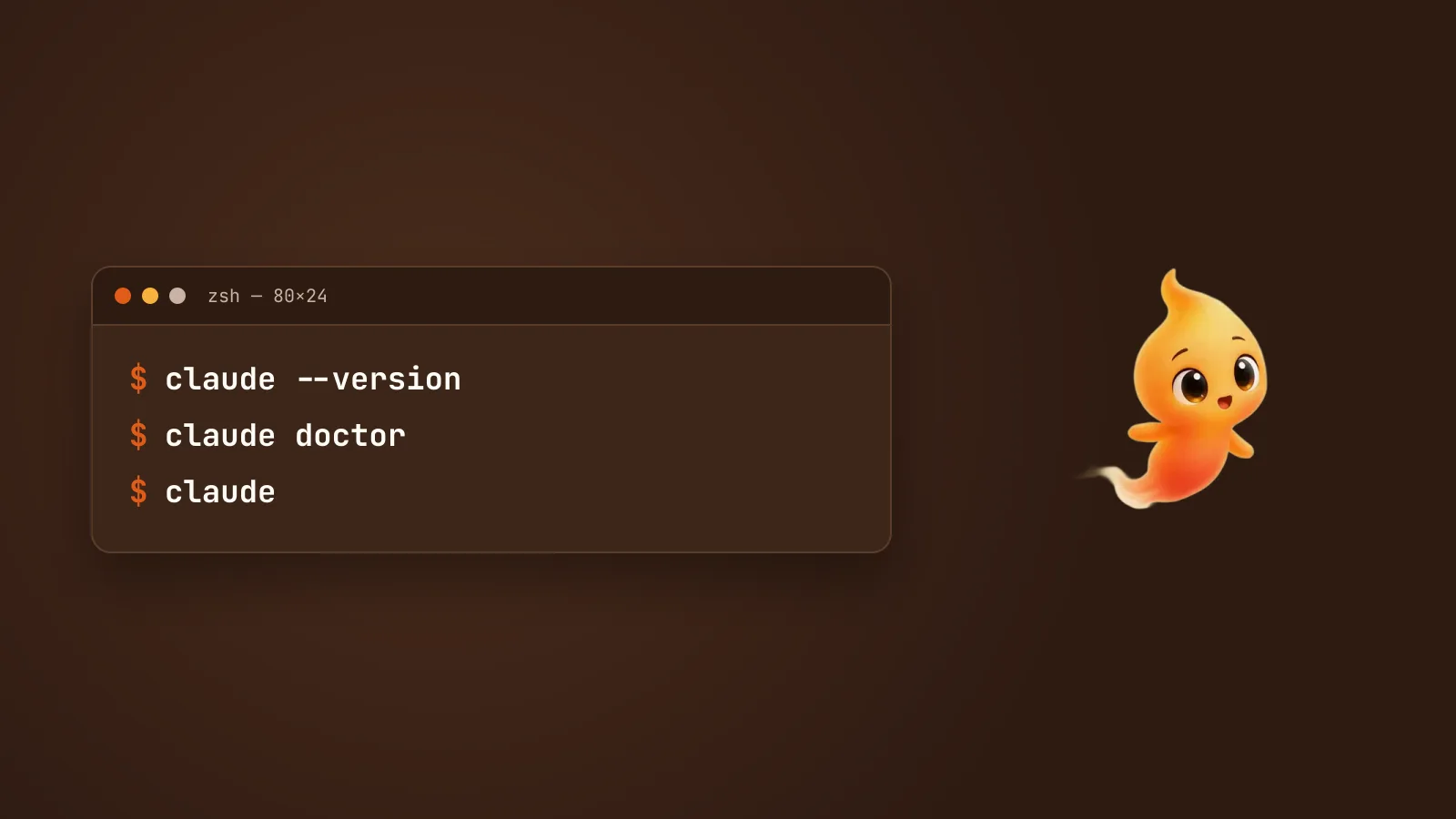
Claude Code is Anthropic’s coding agent for the terminal. Getting it running on a Mac takes about ten minutes, most of which is logging in. Here is the whole path, including the parts that trip people up.
1. Install it
There are three ways, and they are not equally good.
The native installer is the recommended one:
curl -fsSL https://claude.ai/install.sh | bashIt is signed by Anthropic and notarised by Apple, and it does not make Node.js a runtime dependency — which removes the single largest category of “it worked yesterday” problems.
Homebrew, if your machine is managed by a Brewfile or an MDM policy and you want this to be reproducible:
brew install --cask claude-codenpm, only if you have an existing Node toolchain you need it to sit inside:
npm install -g @anthropic-ai/claude-codePick one. Installing it twice by two different methods is a reliable way to end
up with a stale binary earlier in your PATH than the one you are updating.
Before you paste any install script from the internet, including this one: open the URL in a browser and read it. That habit costs twenty seconds and is worth having regardless of who the vendor is.
2. Check it
Open a new terminal window — a current one has the old PATH — and run:
claude --version
claude doctor
doctor is the one that matters. It checks your install, your PATH, your shell
config and your auth, and it will tell you what is wrong in plainer language than
the error you would otherwise hit.
3. Log in
claudeThe first run walks you through authentication in a browser. Claude Code needs a paid Claude plan or API credit; it is not free, and the app you run it through should not be charging you a second time for it.
4. Point it at a repo
cd into a project and run claude. The thing to understand on day one is that
Claude Code works from your actual working directory — it reads the files that
are there, runs commands in that directory, and makes changes you will see in
git status.
So: start in a repo with a clean working tree. Not because the tool is
reckless, but because git diff is how you review what it did, and that is much
harder if your own uncommitted work is mixed in.
Good first requests, in rough order of nerve required:
- “What does this project do? Where does a request enter it?”
- “Run the tests and tell me what fails.”
- “Fix the failing test in
users_test.py. Show me the diff before you write it.”
5. Add a CLAUDE.md
In the repo root, a file called CLAUDE.md is read at the start of every
session. Put in it the things you would tell a competent new colleague on day
one: how to run the tests, which directories are generated, the one weird
convention, what not to touch.
This is the highest-leverage ten minutes available to you. Most complaints about a coding agent “not understanding the project” are a missing CLAUDE.md.
The three things that go wrong
claude: command not found after a successful install. The installer put
claude in ~/.local/bin, but it does not add that folder to your PATH. It
prints the line to add instead, and it is easy to scroll past. Add it to
~/.zshrc (or ~/.bash_profile for bash), then open a new window.
zsh: command not found: claude on Mac, fixed
walks through this and the four other causes.
Two installs fighting. which -a claude lists every one on your PATH. If
there is more than one, remove all but the one you intend to keep.
The permission prompts become invisible. This is not an install problem, but it is the thing people hit in week one. Claude Code stops and asks before it edits a file or runs a command. That is the best safety property it has — and the moment you switch to your browser mid-task, the question is sitting in a window you cannot see, and the agent is waiting on an answer that is not coming.
The wrong fix is to turn the prompts off. The right fixes are covered in Claude Code permission prompts, without the babysitting.
After it works
Two things are worth doing next.
Connect your tools. Model Context Protocol lets the agent reach GitHub, Notion, Slack, your database and so on, rather than being limited to the files in front of it. Start with one server, not six: MCP servers, explained for people who just want it to work.
Get it out of the terminal. Claude Code is a CLI, which means it has no window you keep looking at and no voice. If the “waiting on an approval you never saw” problem is yours, Minnie is a free macOS desktop pet that runs the Claude Code you just installed, shows you its state as body language, and asks out loud before it does anything it cannot take back. She adds no AI cost — she drives the install you have, and it does the thinking.