
Claude Code permission prompts, without the babysitting
2 October 2026 · updated 7 October 2026 · claude code · permissions · security
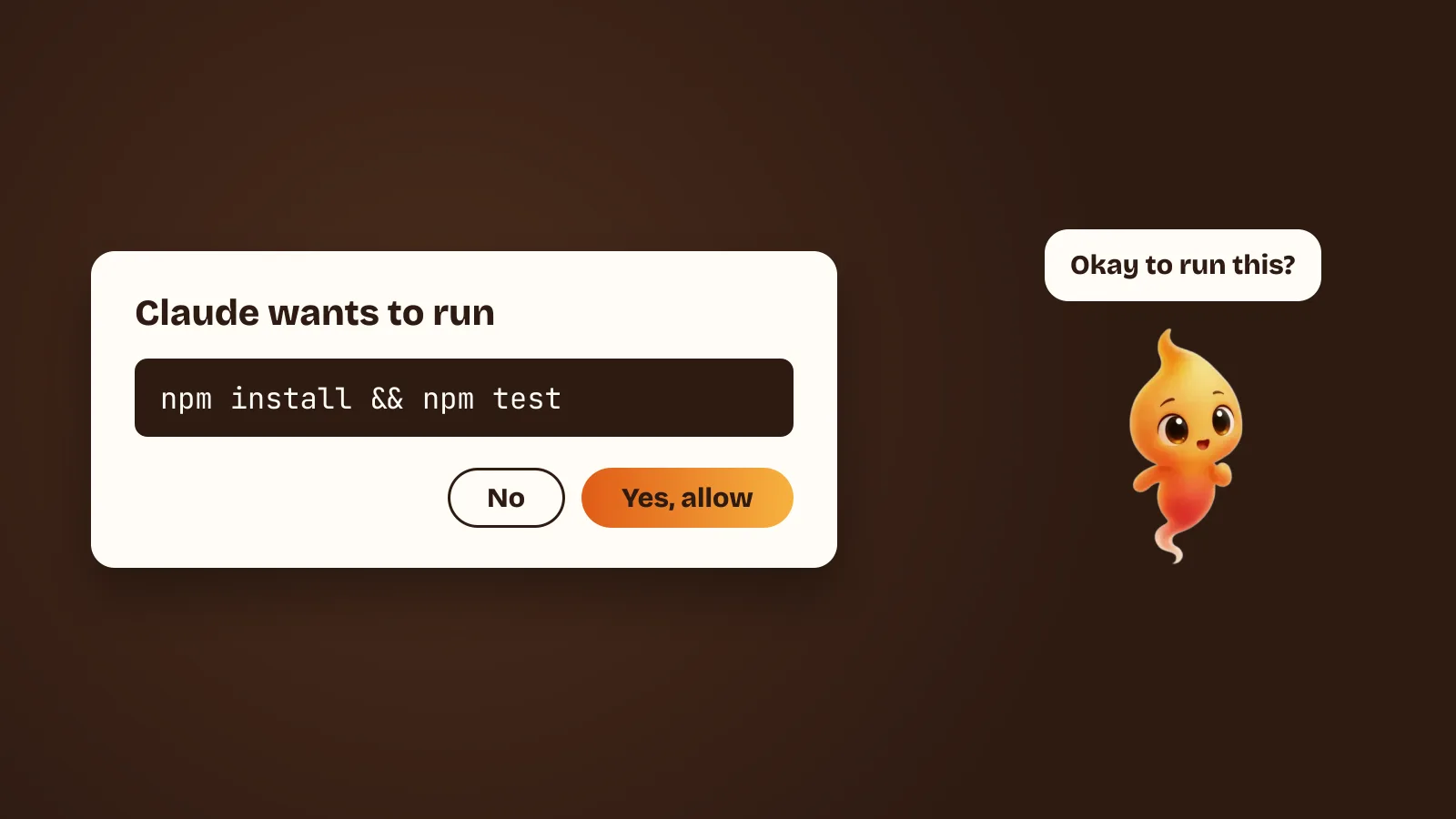
Claude Code asks for permission before it does anything consequential: editing a file, running a shell command, calling an external tool. That is the correct default for an agent with shell access on your main machine.
The trouble is where the question appears. It shows up in the terminal, and the terminal is the window you’re least likely to be looking at while the agent works. So one of two things happens:
- The prompt sits there unanswered and the task stalls until you come back.
- You get tired of that and start pre-approving everything.
The second one is the risky one. This post covers how to avoid both — first by configuring permissions properly, which most people never do, and then by putting the remaining questions somewhere you will actually see them.
Why “just approve everything” is a bad trade
Pre-approving tools feels like a speed-up, and for read-only actions it often is. But approving everything means that a misunderstood instruction, a confusing error message or a bad assumption turns straight into an action on your machine, with nobody checking.
Most of the time nothing goes wrong. The problem is that the time something does go wrong, you weren’t asked.
There is also a subtler failure. An agent reads things — file contents, command output, web pages, the body of a GitHub issue — and those things can contain text that looks like an instruction. An agent that asks before acting gives you a checkpoint between “the agent read something” and “the agent did something”. That checkpoint is the whole safety model. Removing it does not make the agent faster at the task; it makes it faster at being wrong.
Configure permissions once, properly
This is the step almost everyone skips, and it removes most of the prompts without removing the safety.
Run /permissions inside Claude Code. It shows every rule currently in effect and,
usefully, which file each one came from. That last part matters, because rules can
live in several places:
.claude/settings.jsonin a project — applies to everyone working on that repo, and can be committed.~/.claude/settings.json— your own rules, across every project.- Managed settings, deployed by an administrator — these override everything and cannot be loosened locally.
Rules go in three arrays: allow, ask and deny. Each entry is a string, either
a bare tool name or a tool name with a pattern:
{
  "permissions": {
    "allow": [
      "Bash(npm run test:*)",
      "Bash(git status)",
      "Bash(git diff:*)"
    ],
    "ask": ["Bash(git push:*)"],
    "deny": [
      "Bash(rm -rf:*)",
      "Read(./.env)",
      "Read(./secrets/**)"
    ]
  }
}
Two things about how these are evaluated, both of which surprise people:
Order is fixed: deny, then ask, then allow. The first match in that order wins.
A deny rule always beats an allow rule, which is what you want — it means you
can allow a broad category and carve dangerous cases out of it.
Specificity does not break ties. A more precise rule does not outrank a vaguer one. Only the deny → ask → allow order decides. If a command is matching a rule you did not expect, that is almost always why.
A starting allowlist
The useful mental model is what does this action change, and can I see what it did afterwards?
- Reads — looking at files, searching the repo,
git status,git diff,git log. Allow these. They change nothing, and prompting for them is pure friction. This alone eliminates most of the interruptions people complain about. - Tests and builds —
npm test,pytest, your build command. Allow the specific ones you actually run. They are noisy, repetitive, and their effects are confined to a build directory. - Edits — worth a glance, and cheap to review afterwards in
git diff. Leave these asking until you trust a given project’s setup. - Anything that leaves the machine or cannot be undone —
git push,npm publish, package installs, migrations,rm, API calls that write. Ask every time. These are the ones where “I would have said no” is a sentence you do not want to say afterwards.
Add a deny for your secrets regardless: Read(./.env) and friends. Not because
you expect the agent to misbehave, but because the contents of a .env file have no
business being in a context window that gets sent to a model provider.
Use plan mode when you’re not sure
If you’re about to hand over a large or vague task, start in plan mode — shift+tab
cycles into it. The agent researches and proposes what it would change, and changes
nothing. You read the plan, fix the misunderstanding before it costs you anything,
then let it run.
That is often faster overall than approving a run and untangling the result. The expensive mistakes with coding agents are almost never “it wrote a bad line of code” — they are “it solved a different problem than the one I had”, and plan mode catches exactly that class.
About --dangerously-skip-permissions
There is a flag that turns all of this off. It is named the way it is on purpose.
There is one setting where it is reasonable: a container or a throwaway VM with no credentials in it, no access to your real repos, and nothing you would mind losing — a CI job, a sandbox, an overnight batch run on a clone. In that context the blast radius really is bounded, and the prompts really are pure overhead.
On your laptop, with your SSH keys, your cloud credentials, your work repos and
your ~, the blast radius is your whole working life. The flag does not become
safer because you are in a hurry.
If you find yourself reaching for it on your main machine, that is a signal that
your allowlist is wrong, not that permissions are wrong. Spend ten minutes on
/permissions instead.
A note on git hygiene
Two habits make everything above less stressful:
Start with a clean working tree. git diff is how you review what an agent
did. That review is much harder if your own uncommitted changes are mixed in with
its changes.
Commit in small steps. If you let an agent work for forty minutes and then review, you are reviewing a large diff with no memory of what each part was for. If you commit at each milestone, you can always get back to a known-good state with one command, which makes it far easier to say “go ahead” to the next thing.
Working on a git worktree is worth knowing about too: a separate checkout on its
own branch, so an agent can work in a directory that is not the one you have open
in your editor.
Make the prompt impossible to miss
Once the allowlist is right, you are left with a smaller number of questions that genuinely need you — and the original problem is unchanged. They appear in a terminal window, and that window is behind your browser.
This is the main thing Minnie does for Claude Code. When the agent wants to act,
she surfaces the request in a speech cloud on your desktop and says it out loud:
“I want to edit mock_users.py. Ok?” You can answer:
- Allow once, for just the next action
- For this session, to auto-approve safe reads for a while
- Deny, and she steps back, with no half-finished edits
Because the question follows you instead of waiting in the terminal, you stop being tempted to approve everything up front. The safe default stays the easy default — which is the only way a safe default survives contact with a deadline.
If you would rather stay in the terminal, hooks can at least tell you a prompt is waiting. Claude Code notifications on Mac: why they don’t fire has a setup that alerts you the moment Claude asks, and only when you are not already looking.
She also shows state the rest of the time, which solves the quieter half of the problem: knowing whether the agent is working, finished, or stuck waiting on you. There is more on why a desktop character is a good fit for that in A desktop pet for your Mac that actually does work.
Saying no should feel normal
This one is about design, not settings. If refusing a tool feels like breaking something, people stop refusing. So in Minnie a denial is an ordinary answer. She takes it as a course correction and moves on.
That matters more than it sounds. The practical failure mode of any approval system is not that people approve something terrible — it is that the system trains them to approve reflexively, so that by the time something terrible arrives, the “yes” is muscle memory. Keeping denial cheap and normal is what stops the prompts from degrading into a formality.
The out-loud consent flow currently works with Claude Code specifically, because it is built on Claude Code’s permission protocol. Gemini CLI, Codex and custom agents also run with Minnie, but more autonomously — see Claude Code vs Gemini CLI vs Codex on a Mac for how the three differ on this.
A short checklist
- Keep the default: the agent asks before it acts.
- Run
/permissionsonce and build a real allowlist — reads and tests allowed, writes and pushes asking, secrets denied. - Remember the order: deny beats ask beats allow, and specificity is not a tiebreaker.
- Use plan mode for big or fuzzy tasks.
- Keep
--dangerously-skip-permissionsfor throwaway containers, not your laptop. - Start from a clean tree and commit in small steps.
- Put the remaining approvals somewhere you will actually see them.
Minnie is free and in open beta for Apple Silicon Macs. New to Claude Code entirely? Install Claude Code on a Mac, start to finish is the ten-minute version.