
Claude Code has no GUI. Here is what people use
7 October 2026 · claude code · comparison · macos
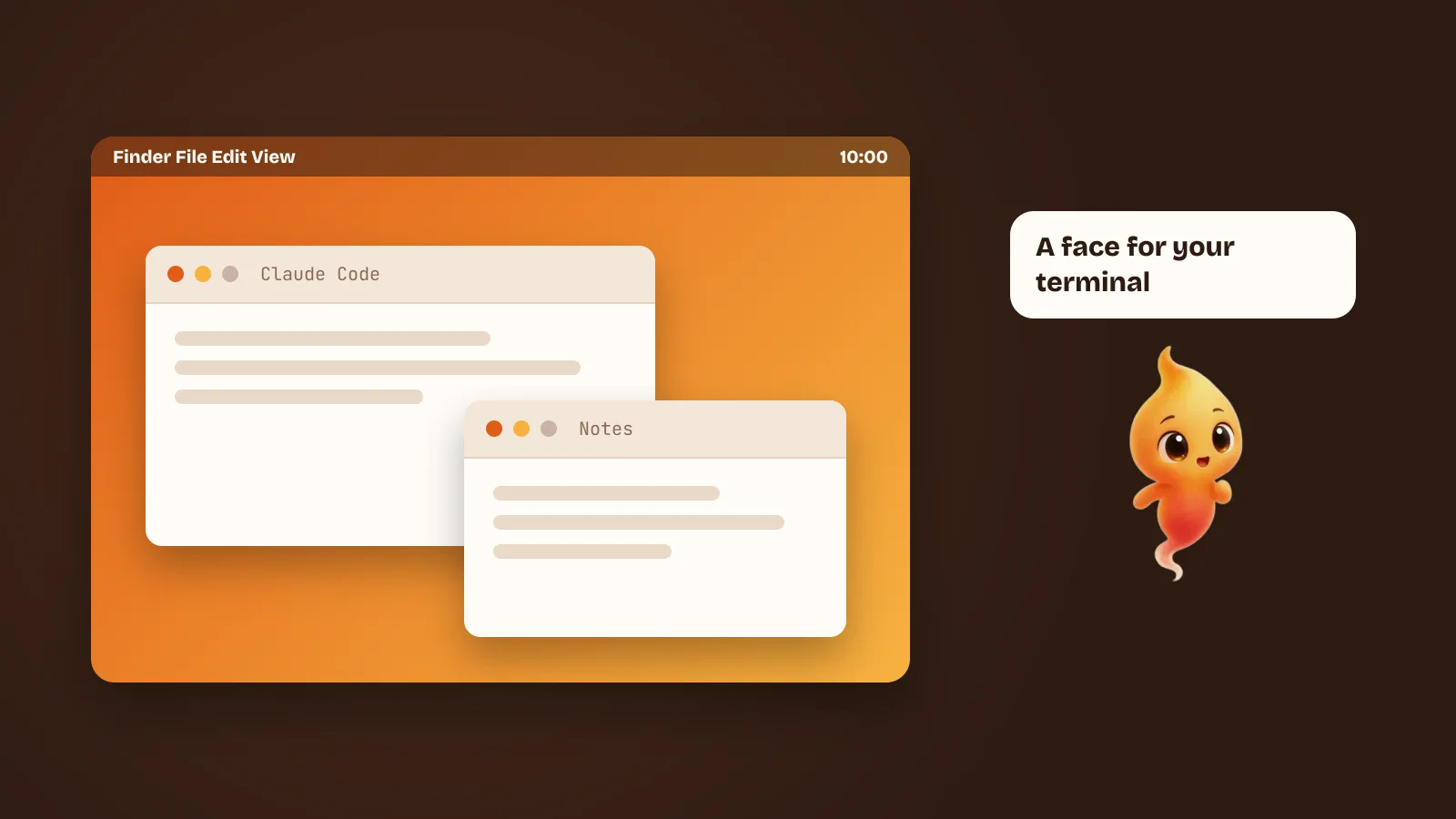
Claude Code is a command-line tool. That is a deliberate choice and a good one — the terminal is where your repo, your shell history and your build already live. It also means that the moment you want to see what the agent is doing, you are on your own.
A small ecosystem has grown to fill that gap, and the tools in it are not competing for the same job. Picking one is less “which is best” and more “which problem do I actually have”. Here is the landscape as it stands, including the ones we don’t make.
First: there is an official desktop app now
Anthropic ships Claude Code for Desktop for macOS and Windows. If you have not tried it, start there — it is the only option with the model vendor behind it, and it will track changes to Claude Code faster than anything else can.
What it is: a window with sessions in it. What it is not: a thing that follows you around your screen, speaks, or interrupts you when a prompt needs an answer. If the desktop app solves your problem, the rest of this post is optional reading.
The four shapes of the problem
Almost every third-party tool is solving one of these:
- “I can’t see what it’s doing.” You started a task, switched to your browser, and now have no idea whether the agent is working, stuck, or waiting on you.
- “I’m running five of these at once.” Parallel agents on separate branches, and the hard part is supervision, not any individual session.
- “I’m not at my desk.” You want to check on or redirect a run from your phone.
- “I prefer buttons.” Sessions, history, settings and MCP servers in a UI rather than flags and config files.
Nothing here is better or worse than the others. They are different problems.
opcode (formerly Claudia)
Free and open source, cross-platform, and the most complete answer to problem 4. A visual project and session browser, a timeline you can scroll back through, custom agent definitions, usage analytics, MCP server management.
Pick it if the terminal is not the part you mind and the management is — many projects, many sessions, settings you want to see rather than remember. It is also the easiest one to recommend without reservation, because it costs nothing and you can read the source.
Conductor and Crystal (now Nimbalyst)
These are problem 2. Several Claude Code runs at once, each in an isolated workspace, with a dashboard over the top: which agent is on which branch, what it changed, what needs review. Conductor is Mac-native; Crystal is open source and cross-platform, and has continued under the name Nimbalyst.
If you are not already running agents in parallel, this is a lot of machinery for no benefit. If you are, the alternative is a grid of terminal tabs and a notebook, and these are plainly better than that.
Omnara
Problem 3: a remote control. Launch and steer Claude Code from your phone, watch it run, answer its questions from wherever you are. Mac, Windows, Linux and mobile.
The question to ask yourself is honest: do you want to supervise a coding agent from a bus? Some people genuinely do — long runs, big refactors, a commute. Many people think they do and then never open it.
The agent-aware desktop pets
A newer category, and a smaller one. The idea is that the status of a background process is best shown by something you notice without looking at it. OpenPets and Claudlet both do a version of this: a character on your desktop that changes behaviour with the agent’s state, typically wired up over MCP or hooks.
They are charming, they are cheap to try, and they solve exactly the first half of problem 1 — is it running? — without pretending to solve anything else. There are more of them than there were a few months ago. We compare them in Claude Code /buddy is gone. These pets replaced it.
Where Minnie fits
Minnie is in that last group, and the thing she adds is the second half of problem 1: does it need me?
The failure case we built her for is not “I can’t tell if the agent is busy”. It is the permission prompt that sits unanswered in a terminal window behind your browser for eleven minutes. Claude Code asks before it edits a file or runs a command — that is the best thing about it — and the question is worthless if you never see it. So Minnie floats above your windows, and when the agent wants a yes, she comes over and asks out loud. You answer by speaking, and she goes back to work.
She also goes the other way: you can talk to her. Speech is transcribed on your Mac, so a spoken request never leaves the machine before you have agreed to it. There is more on why that was the hard part in Talk to Claude Code with your voice on a Mac, and on the approval flow itself in Claude Code permission prompts, without the babysitting.
What she is not: a session manager, a parallel-agent dashboard, or a remote control. If your problem is one of those, one of the tools above is a better answer and you should use it.
Picking
- You want the safest default → Claude Code for Desktop.
- You want to see and manage sessions, for free → opcode.
- You run many agents at once → Conductor, or Nimbalyst if you want it open source.
- You want to drive a run from your phone → Omnara.
- You keep missing permission prompts, and you’d rather talk than type → Minnie.
A note that applies to all of these: none of them is a model, and none of them should be charging you a second time for AI. They drive the Claude Code you have already installed and already logged in, and it does the thinking. If a tool in this space wants a subscription and an API key, ask what the subscription is for. Ours is free, and we wrote down the reason in Why Minnie is free: bring your own AI agent.
One caveat about all of it
This ecosystem is young and moves quickly. Tools get renamed (Claudia became opcode; Crystal became Nimbalyst), features land upstream in Claude Code itself, and a project that was essential in March can be redundant by October. Check dates before you trust a comparison — including this one, which was written in October 2026.