
Claude Code and the Mac keychain: login errors, fixed
2 November 2026 · claude code · macos · errors
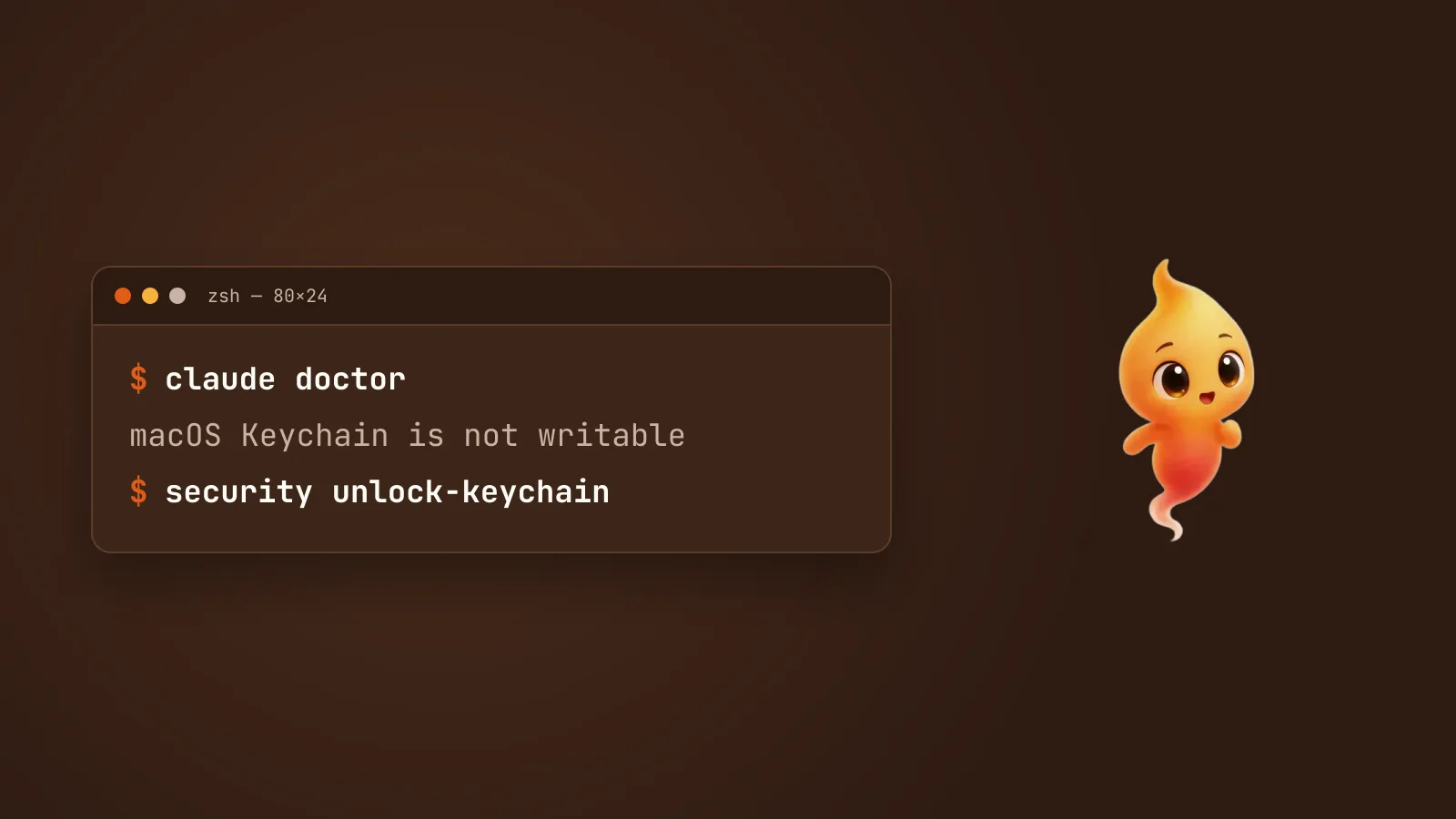
On a Mac, Claude Code keeps your login in the macOS keychain. Most of the time you never notice. When the keychain and Claude Code disagree, you get one of these:
Couldn't save your login. If your Mac's keychain is locked, unlock it and log in again.Or claude doctor reports a warning that starts with
macOS Keychain is not writable. Or you’re asked to /login again every
morning. Or a macOS dialog asks for your keychain password over and over
for an item called Claude Code-credentials.
These have one cause in common: the login keychain isn’t letting Claude Code write to it. The fixes below come from Anthropic’s troubleshooting guide, checked against Claude Code 2.1.310 in late October 2026. One of the four symptoms, the prompt that won’t stop, doesn’t have a fix yet, and we’ll be clear about which one.
Where Claude Code keeps your login
When you sign in, Claude Code saves the token to your login keychain as
an item named Claude Code-credentials. Logins for MCP servers you’ve
connected go there too.
If the keychain refuses the write, Claude Code doesn’t give up. It saves
your login to a plain-text file instead, ~/.claude/.credentials.json, and
carries on. That’s why some people never see an error at all, just a login
that works in one place and not another. One exception: a Console login
that creates an API key fails outright until the keychain is writable.
The keychain usually refuses for one of three reasons:
- It’s locked. macOS can lock the login keychain on sleep or after a period of idle. Claude Code reads it fine at the start of a session, then can’t save a refreshed login later.
- You’re on SSH. In an SSH session, the login keychain is locked unless you unlock it in that session.
- Its password is out of sync with your Mac account password. This happens after a password reset, especially one done by an administrator or a device-management tool. The keychain still expects the old password.
The fix, in order
1. Ask claude doctor.
claude doctorIf the keychain is the problem, the report includes a warning starting with
macOS Keychain is not writable, plus a suggested fix. No keychain warning
means the keychain is fine. Skip to step 4.
2. Unlock the keychain.
security unlock-keychain ~/Library/Keychains/login.keychain-dbEnter your keychain password, which is normally your Mac login password,
then run claude doctor again. If the warning is gone, go to step 4. On
SSH, this is the step you need every session.
3. Resync the keychain password if unlocking didn’t help. Open
Keychain Access, select the login keychain, and choose
Edit > Change Password for Keychain “login”. Set it to match your
current account password, then run claude doctor again.
4. Log out and back in.
/logout
/login
Once the keychain is writable, Claude Code moves your login back into it on
the next write. /logout and /login forces that now. Logging out clears
everything Claude Code has stored, including the plain-text fallback file
and your MCP server logins, so expect to reconnect those afterwards.
Update first if you’re behind
Several of these symptoms were bugs, not misconfiguration, and newer versions fix them. From the changelog:
- 2.1.94: a Console login with a locked or out-of-sync keychain failed
silently with “Not logged in”. It now shows the error, and
claude doctordiagnoses it. - 2.1.211: before this version, waking the Mac could make two open sessions refresh the same token, revoking it and asking every session to log in again.
- 2.1.281: writing credentials while the keychain was locked, such as right after wake, could drop stored MCP logins or delete the keychain entry.
- 2.1.290:
/logincould report success when the keychain had refused the new login and kept an old one.
claude --version
claude update
If you keep being asked to /login after your Mac wakes, updating is the
first thing to try.
The password prompt that won’t stop
This is the one without a fix. Some people get a macOS dialog asking for the keychain password every few minutes. In the reports it reads along the lines of security wants to access key “Claude Code-credentials” in your keychain. Clicking Always Allow doesn’t make it stop.
The open report is #77697. The reporter’s analysis is that Claude Code creates the keychain item without a list of apps trusted to read it. So macOS asks every time it’s read, and because Claude Code rewrites the item, any “Always Allow” you grant is lost. There’s no fix as of 2.1.310. Anthropic is tracking it there: a maintainer closed a later report as a duplicate and asked people to follow #77697 instead.
Two honest suggestions:
- Rule out the out-of-sync password first. A keychain whose password no longer matches your account can also cause repeated password prompts. Step 3 above fixes that case, and it’s common after a password change.
- If that’s not it, add your macOS and Claude Code versions to #77697. Don’t work around it by deleting the keychain item or copying the plain-text credentials file around. That trades a nuisance for a login sitting unencrypted on disk.
Related
If you want to remove Claude Code’s login from the keychain entirely,
Uninstall Claude Code from a Mac
completely shows how to find and delete
the Claude Code-credentials entries. If the claude command itself won’t
run, see zsh: command not found: claude on Mac,
fixed.
Minnie, our desktop pet for the Mac, keeps the tokens for the tools you connect in the macOS keychain too, encrypted by the system rather than in a config file. What a local-first AI coding assistant keeps on your Mac explains what goes where.