
"Apple could not verify claude" on Mac: is it safe?
25 October 2026 · claude code · macos · gatekeeper
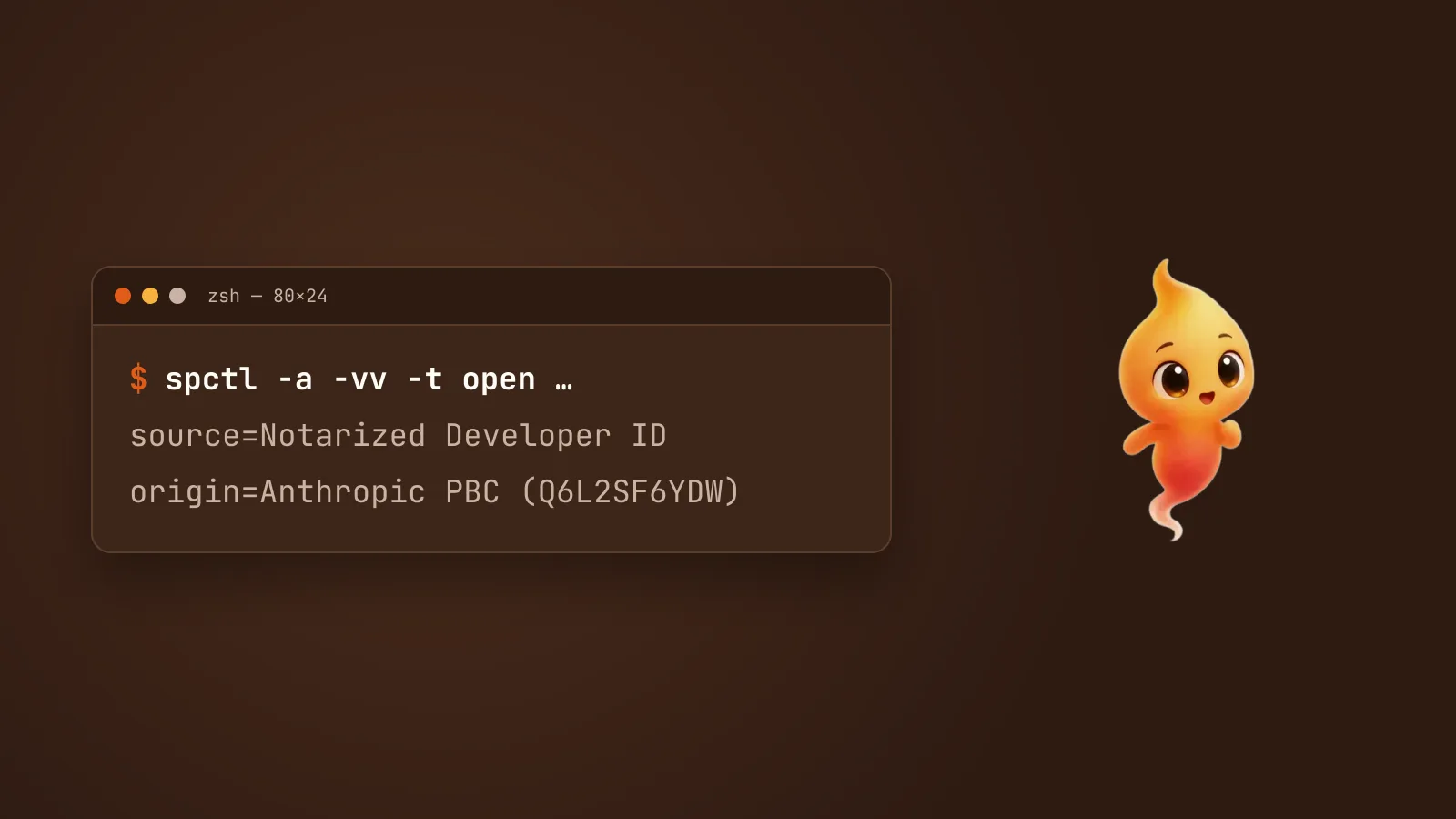
You type claude, and instead of Claude Code you get a macOS dialog:
"claude" Not Opened
Apple could not verify "claude" is free of malware that may harm
your Mac or compromise your privacy.
It’s an alarming sentence, and it’s meant to be. But in the cases reported so far, this isn’t malware, and it isn’t a problem with your Mac either. It’s a packaging problem on the release side, and you can check that for yourself in one command before you decide what to do.
The short answer
- Check the signature first. The command is below. If it says the binary was signed by Anthropic PBC with team ID Q6L2SF6YDW, it’s the real Claude Code.
- The usual cause is a release that went out unnotarized. It’s still signed by Anthropic, but Apple’s notarization step is missing, so Gatekeeper refuses to run it.
- The cleanest fix is a different build: reinstall, move to the stable channel, or wait for the next release. Overriding Gatekeeper also works, but only do that once you’ve checked the signature.
Why macOS says this
Gatekeeper checks two things before it lets something you downloaded run:
- Is it signed? That means a developer’s certificate vouches for exactly these bytes.
- Is it notarized? That means Apple has scanned this exact build and issued a ticket for it.
Claude Code’s macOS binaries are normally both. Anthropic’s setup docs say they’re signed by “Anthropic PBC” and notarized by Apple. The trouble is that the two steps are separate, and occasionally a build ships with the first and not the second.
That’s what the reports describe. An open issue on the Claude Code GitHub,
filed on 9 October 2026, shows version 2.1.295, installed through Homebrew’s
claude-code@latest cask, being rejected with the source reported as
Unnotarized Developer ID. It was still signed by Anthropic PBC, team
Q6L2SF6YDW. The reporter’s last working version was 2.1.287. Similar reports
go back to earlier versions, most of them after a Homebrew install or upgrade.
So the wording is generic. Could not verify means Apple hasn’t notarized this build. It doesn’t mean anything was detected.
Check it’s really Anthropic’s
Find the real file behind your claude command, then ask Gatekeeper about it:
BIN=$(realpath "$(command -v claude)")
spctl -a -vv -t open --context context:primary-signature "$BIN"
A healthy install prints:
accepted
source=Notarized Developer ID
origin=Developer ID Application: Anthropic PBC (Q6L2SF6YDW)
There are three possible results, and they mean different things:
source= says |
origin= says |
What it means |
|---|---|---|
| Notarized Developer ID | Anthropic PBC (Q6L2SF6YDW) | Fine. If you still saw the dialog, it was a one-off and a reinstall clears it |
| Unnotarized Developer ID | Anthropic PBC (Q6L2SF6YDW) | The known release-side problem. Genuine Anthropic code, missing Apple’s ticket |
| anything else, or a different origin | not Anthropic | Stop. Don’t override anything. Delete it and reinstall from Anthropic’s own installer |
One thing to know: the more familiar spctl --assess --type execute check
reports “does not seem to be an app” for a command-line binary even when
everything is fine. The --context context:primary-signature form is the
one that tells you about notarization.
The fixes, safest first
1. Reinstall, or switch channel
Most people who hit this fixed it without touching Gatekeeper at all.
On Homebrew: the reports cluster on claude-code@latest, the cask that
gets every release the moment it ships. The plain claude-code cask tracks the
stable channel. That’s usually about a week behind, and it skips releases with
major regressions:
brew uninstall --cask claude-code@latest
brew install --cask claude-code
If you’re already on the stable cask, uninstall and install it again.
On the native installer: fetch a fresh build. Anthropic publishes a stable channel there too:
curl -fsSL https://claude.ai/install.sh | bash -s stableThen run the check above again. source=Notarized means you’re done.
2. Wait for the next release
If you’re on an auto-updating install and the check says Unnotarized, the next release is very likely to be notarized normally. Claude Code ships often. Meanwhile, use the stable channel from fix 1.
3. Allow it once, after you’ve checked
If you’ve confirmed the origin is Anthropic PBC (Q6L2SF6YDW) and you need it now:
- Try to run
claudeonce, so macOS records the block. - Open System Settings → Privacy & Security, scroll down, and click
Allow Anyway (or Open Anyway) next to the message about
claude. - Run
claudeagain and confirm when asked.
That’s a decision about this file. Only make it after the signature check says Anthropic. A dialog that says it can’t verify something is precisely the case where checking is worth the twenty seconds.
4. What about xattr?
You’ll see advice to remove the quarantine flag with xattr -d com.apple.quarantine. It works because Gatekeeper’s check is triggered by
that flag. That’s also why it’s the step to be most careful with. It switches
off the check rather than answering it. Our guide to what “Apple could not
verify” means covers
when it’s reasonable. The short version: only for a file whose signature you’ve
already checked, and never because a forum post told you to.
If it’s the Claude desktop app
The same dialog can appear for Claude.app, the desktop app, rather than
the claude command. The same logic applies, with the app’s path instead:
spctl -a -vv /Applications/Claude.appLook for Notarized Developer ID and Anthropic as the origin. If it fails,
delete the app and download it again from claude.ai, rather than overriding
the warning.
Two installs can make this confusing
If the dialog appears even though you just reinstalled, check whether more
than one claude is on your Mac:
which -a claudeAn old Homebrew copy can sit in front of a fresh native one, so the unnotarized build keeps running whatever you do. zsh: command not found: claude on Mac, fixed covers untangling that. If you want to start completely clean, Uninstall Claude Code from a Mac completely removes every copy and its leftovers.
The habit worth keeping
When something on your Mac asks you to trust it, check before you click. For Claude Code that check is one command, and it tells you whether the warning is a packaging hiccup or a real reason to stop. It’s the same idea behind Minnie, the desktop pet we make that runs Claude Code for you: she asks out loud before the agent runs a command, so you’re choosing, not clicking through. Claude Code permission prompts, without the babysitting explains that side of it.